Leadership teams
You are asked to set direction on AI. You cannot do that from a vendor slide deck.


For leadership and working teams that already use ChatGPT or Gemini. We go through the basics briefly, then spend the time on hands-on practice.
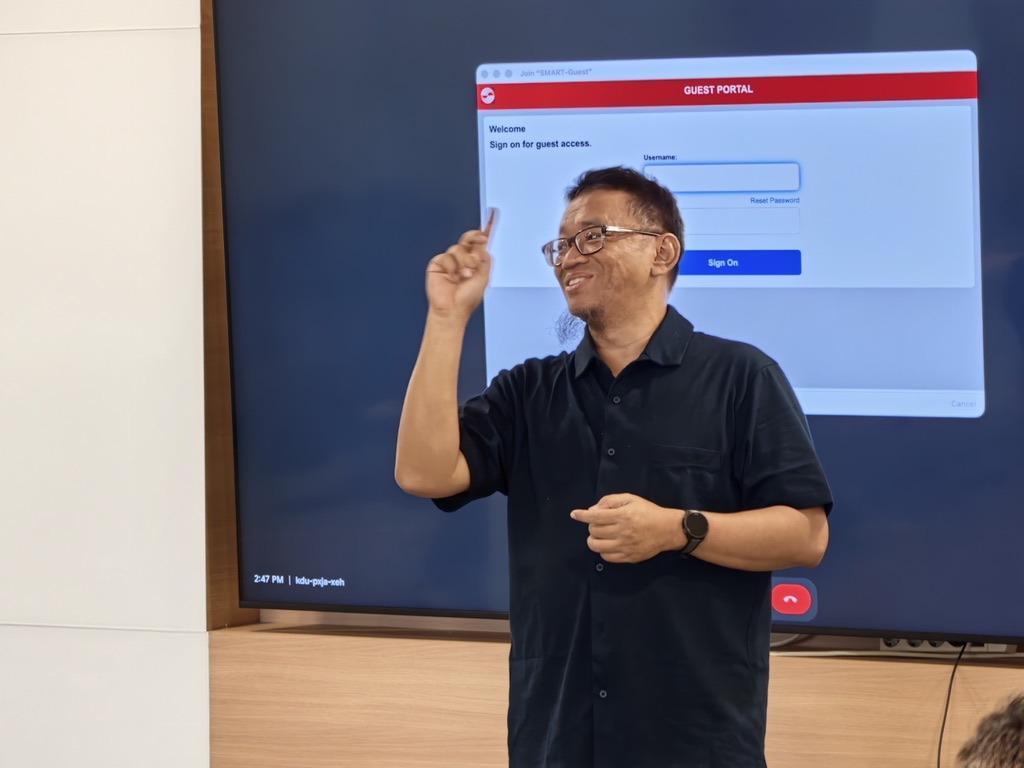
You cannot govern a technology that you have only been briefed on. Get your hands dirty, then you understand the potential, the limits, and the problems.
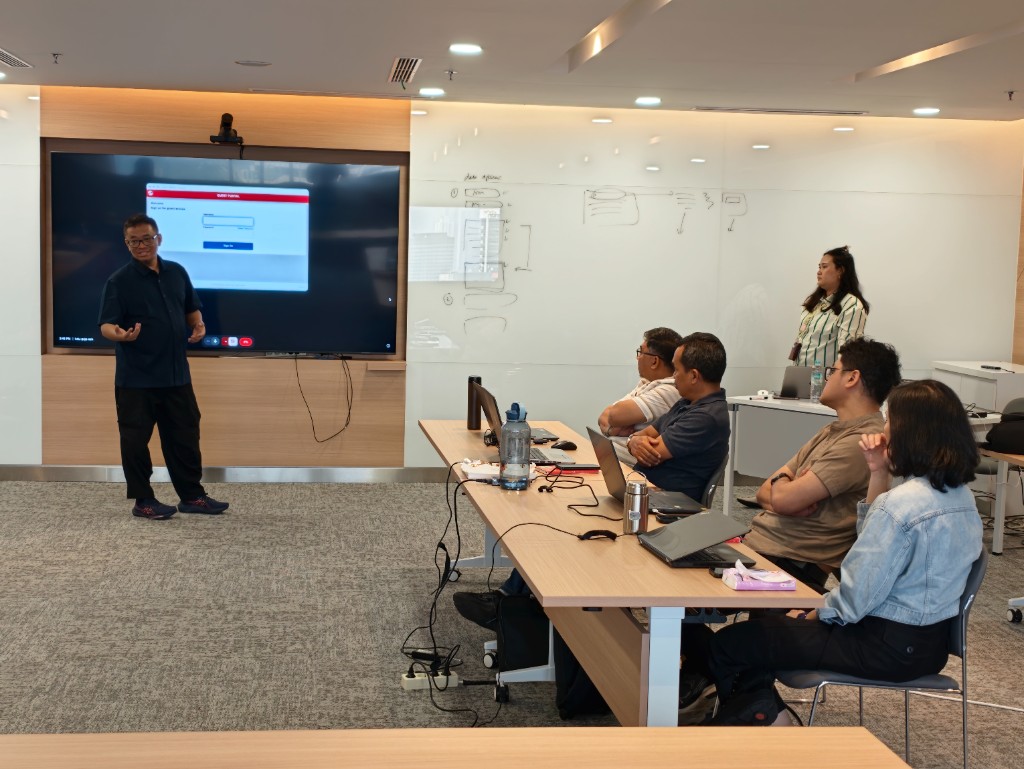
The rule of the room
A briefing does not give you a position on AI. Using it on your own work does. Each person brings a laptop, opens the tools they already have, and works on files that look like their week. You will see AI do impressive things. You will also catch it failing. Both matter.
Who this is for
You are asked to set direction on AI. You cannot do that from a vendor slide deck.
Daily use is not the same as knowing when the answer is wrong, or when the tool should stay closed.
Letters, reports, and board papers still go out under your name. Someone has to check the work.
How it runs
We confirm dates with you. A short gap after the first day lets us turn what you told us into the hands-on exercises.
Session 1
25 min
The basics, briefly. Then a calibration: what has changed, and where the tools still fail quietly. You leave knowing the three ways AI fails and how to spot each one.
Session 2
3 hours
A conversation, not a lecture. We map weekly decisions, current AI use, and what must never go into a prompt. The output is a short list of exercises built from your actual work.
Session 3
3.5 hours
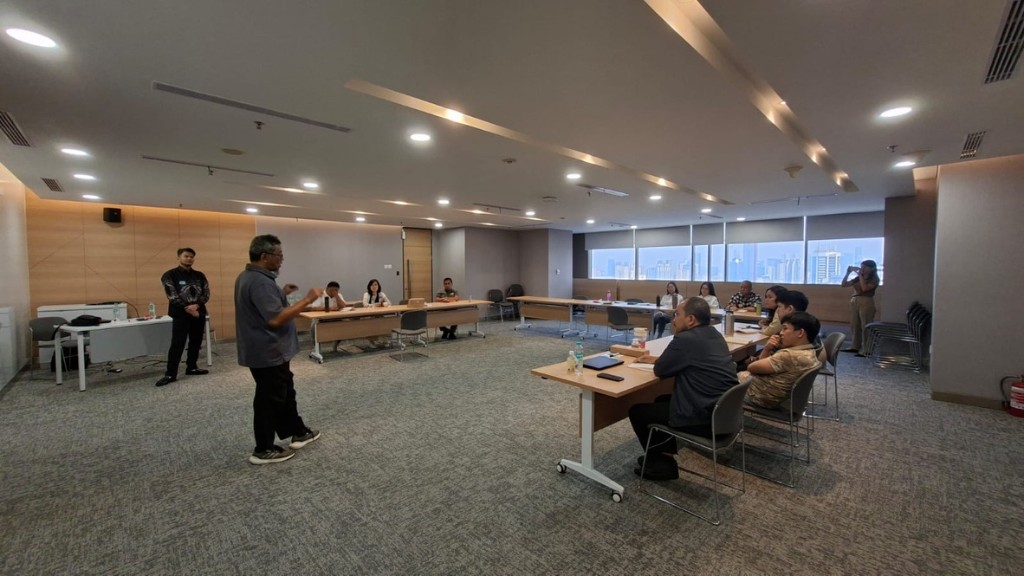
On your own laptop, in small groups. Check sources. Turn a weekly task into instructions the tool can follow. Then decide, from what you just saw, what never goes in, who is accountable, and when AI is the wrong tool.
Session 4
3.5 hours
Apply it to tasks you are already doing this week. Draft, compare, prepare talking points. Write your own rules: when to use AI, how to verify, what never to paste, who signs off.
What you leave with
The goal is not tool proficiency. It is a position you can hold when someone asks you what AI is good for, and what it is not.
Typed, tested, and caught at least one failure yourself. Not watched a demo.
When you use AI, how you verify, what never goes into a prompt, and who signs off before it leaves the building.
What it is, what it does well, where it breaks, and what a responsible approach looks like. In your own words.
Feedback
“We learned so many new things that our understanding and knowledge of AI is much better. I will encourage my colleagues to use AI as a tool that helps us in our work.”
What you need
If yours is not here, write to us. That is the next step anyway.
Tell us who the group is and roughly when you would run it. We will reply with fit, format, and next steps.
Email Hyperjump